
Bible for Android is open source. You can customize the app, create content, and integrate it with other Android apps. The developer guides on GitHub explain the supported formats and APIs.
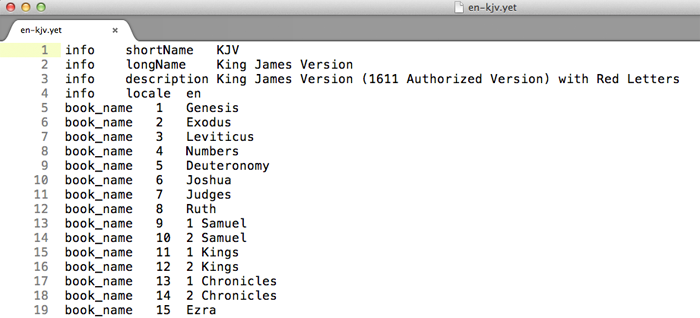
Follow the YET file format guide to create a Bible version, then convert it to a YES file for the app. Supported features include paragraphs, four levels of poetic indentation, footnotes, cross-references, section headings, parallel passages, red-letter text for the words of Jesus, and italics. If your version can be freely distributed, send it to us for consideration in the public list of Bible versions.
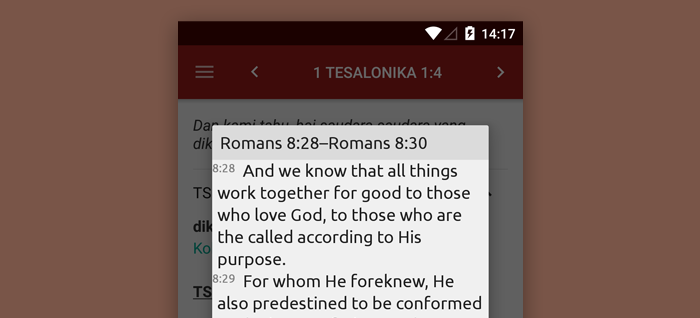
Your app can open Bible verses in a dialog or the main reader. Follow the verse-opening integration guide to display passages without bundling Bible text in your app.

Send us song books or hymnals that you use in your church. Prepare a text file using the song-book authoring guide, and we will review it for inclusion in the app.
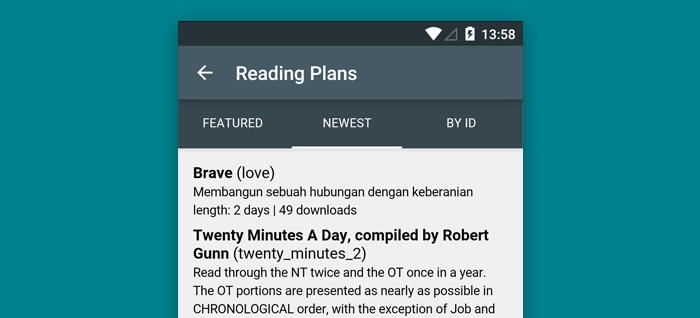
Use the reading-plan creator to prepare and preview a plan in your browser, or create an RPA source file using the reading-plan authoring guide and upload it. Publish the plan to make it available to other users.
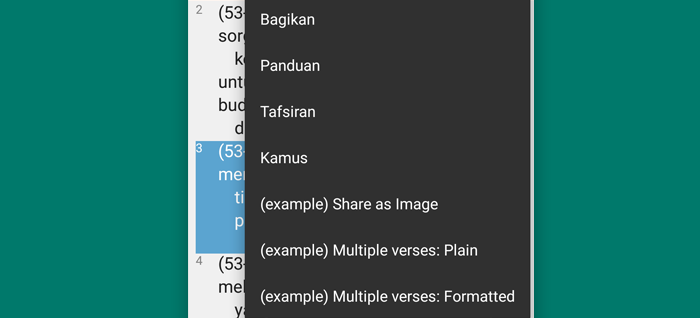
Your app can appear in the verse-selection menu and receive the selected verse locations and optional text. Follow the extension integration guide to add this feature to your app.
For help or content submissions, email help@alkitab.app. You can also propose documentation corrections through a pull request on GitHub.